
Capture a long page from top to bottom automatically.
Extension de navigateur
Hip FullPage.
Une capture.
Toute l’histoire.
Capturez la page entière, la zone visible, une région sélectionnée ou un élément précis. Un flux local pour éditer, organiser et exporter vos captures web. La version Chrome est en préparation.
Local d’abordNo account required
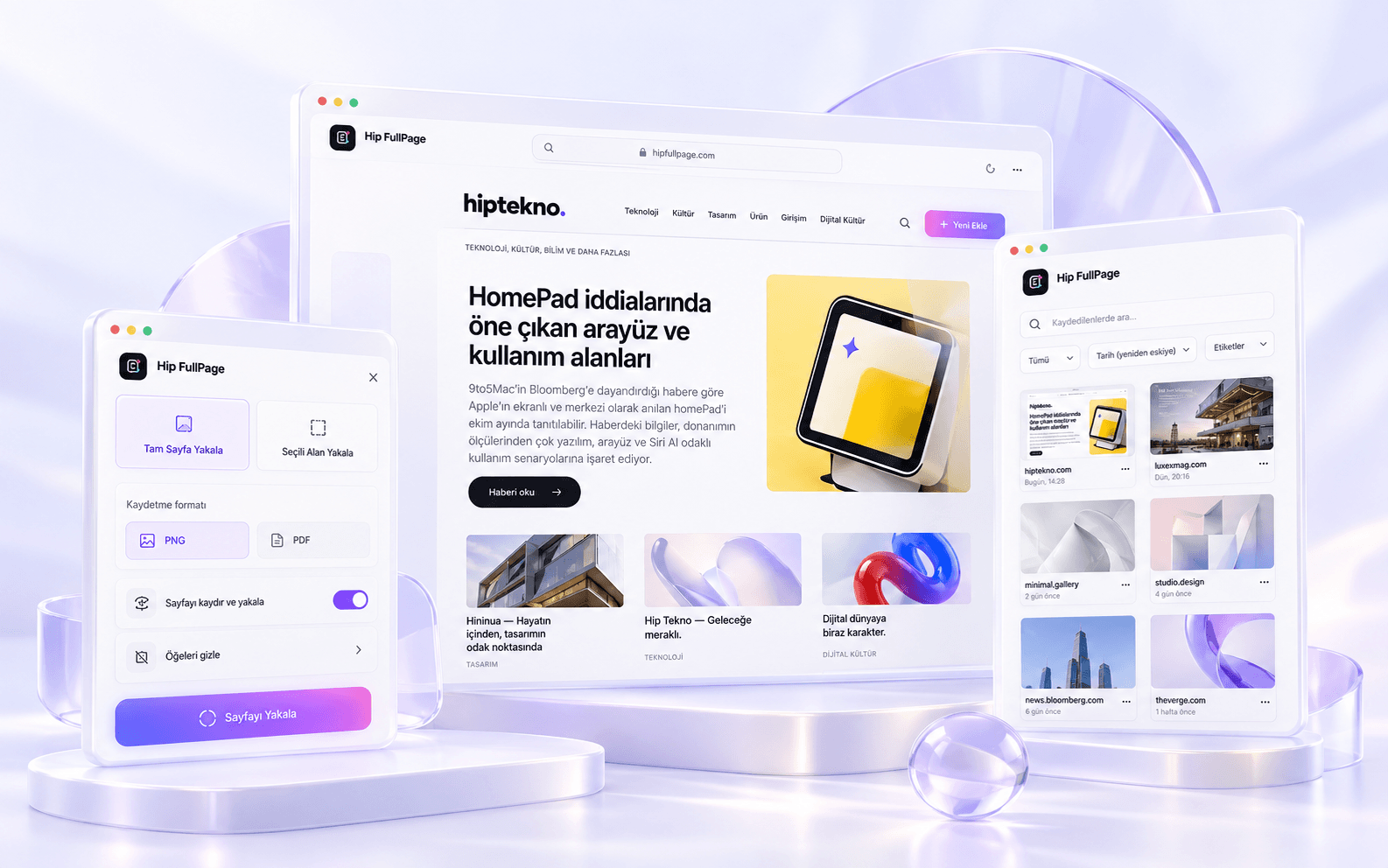
Capture exactly what is visible in the viewport.
Select and capture only the area you need.
Target a single interface or content element.
FLUX PRODUIT
De la capture au résultat.
One continuous rhythm.
Hip FullPage is more than a screenshot button. Capture, review, editing, local storage and export live in one product flow.
01CAPTURE
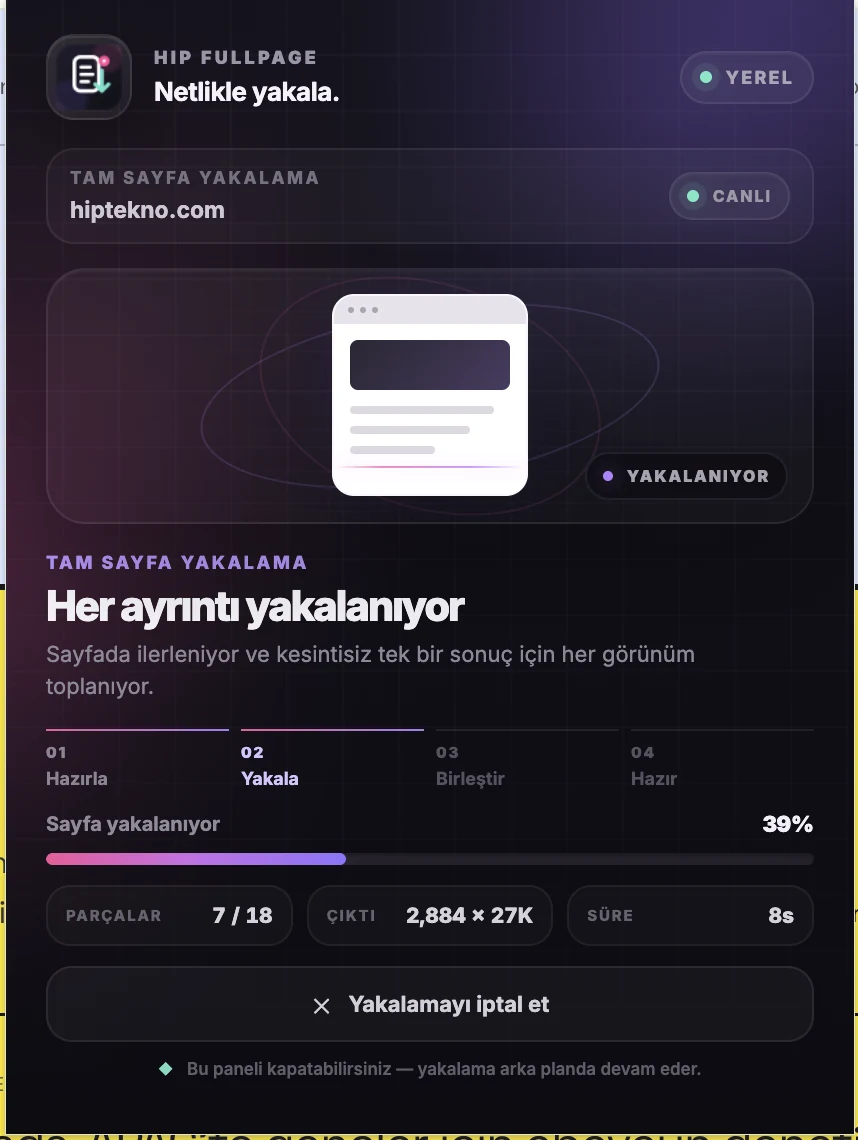
Capture the whole page in one flow.
During capture, the page structure is measured, segments are prepared and the result is assembled locally.
02REVIEW
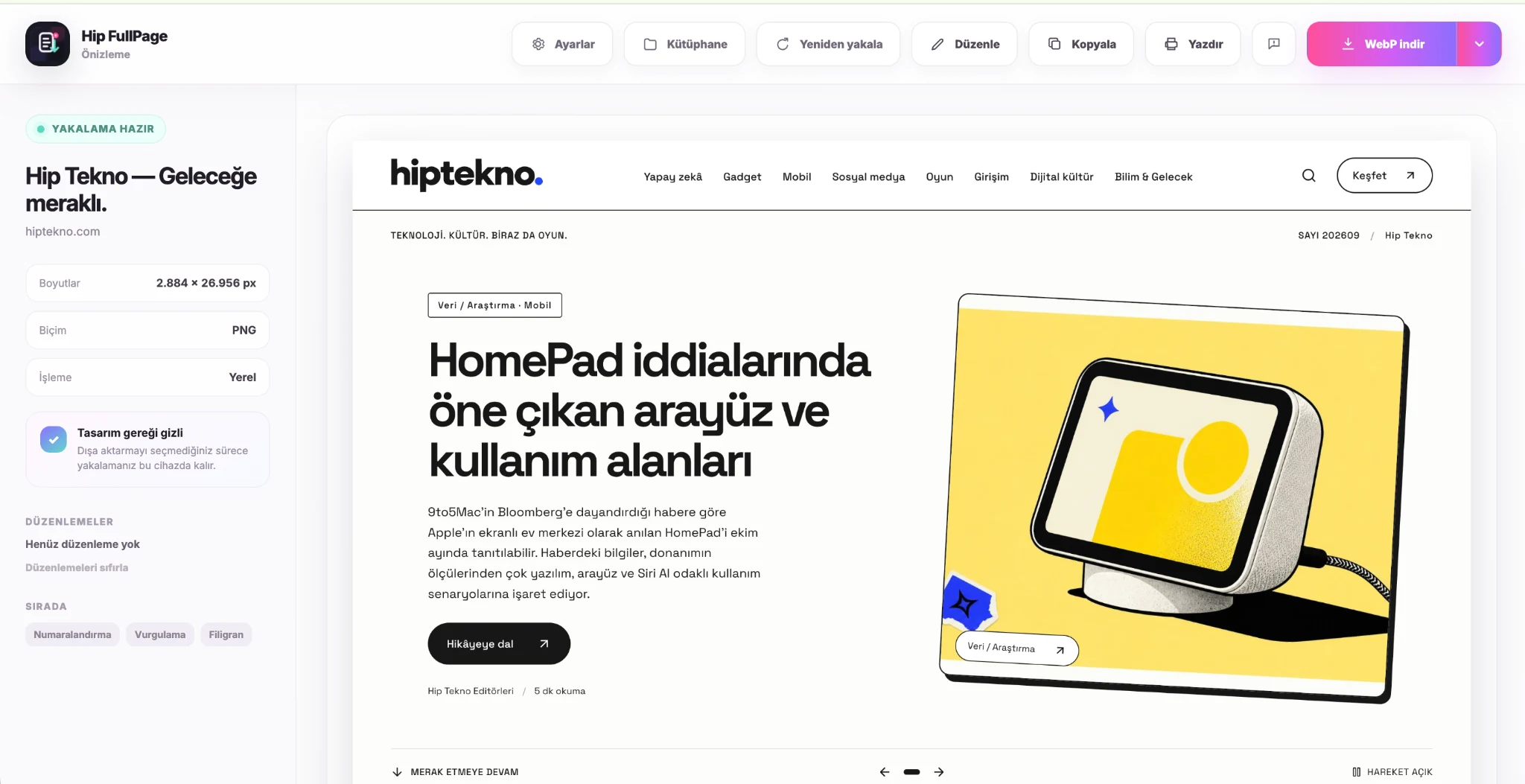
Review before you save.
Check the result in Preview, then recapture, copy, print or export.
03EDIT
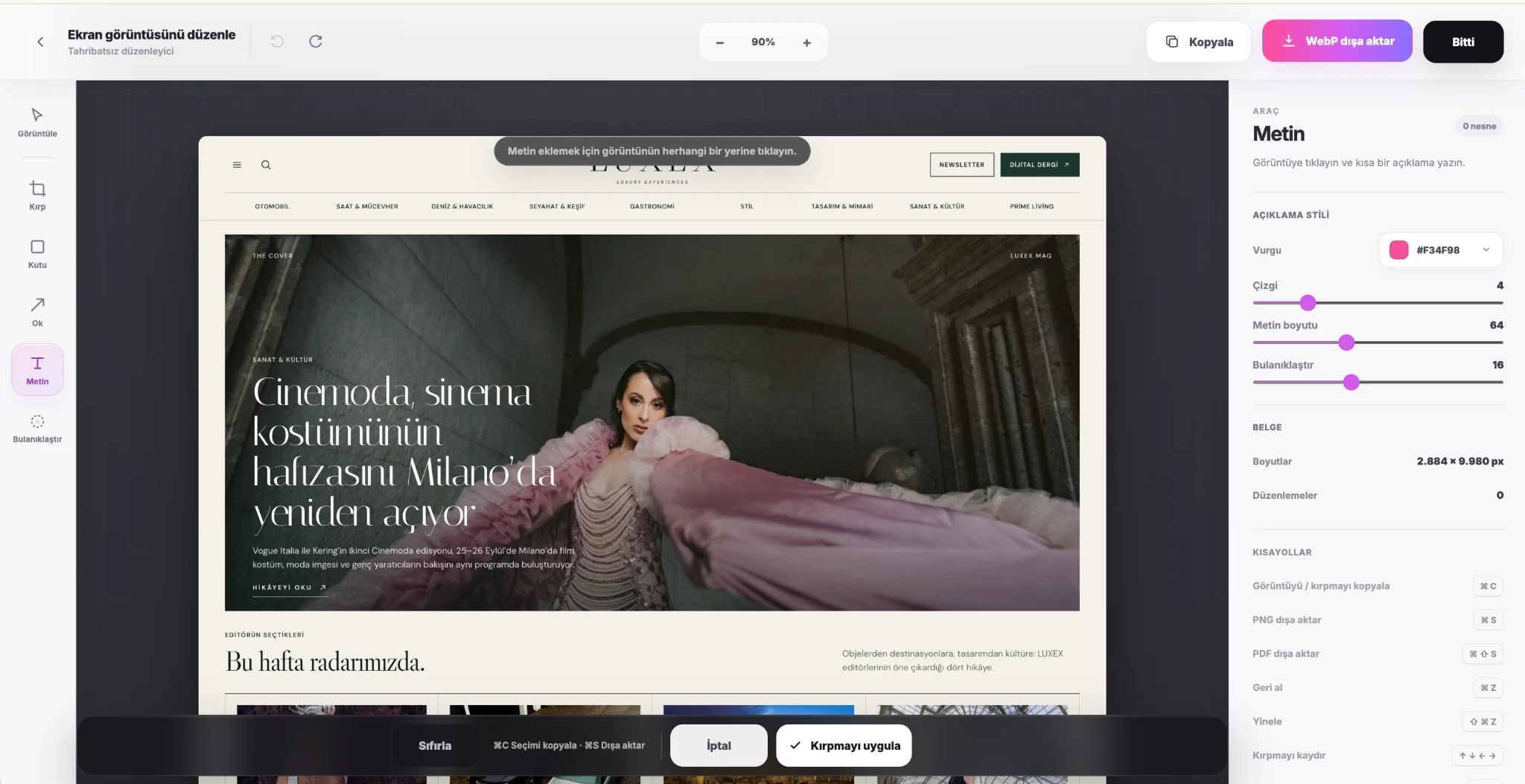
Make the capture ready to share.
Use crop, box, arrow, text and blur tools to highlight what matters.
04KEEP
Keep your captures close.
The Library stays local in your browser so you can reopen, edit and export later.
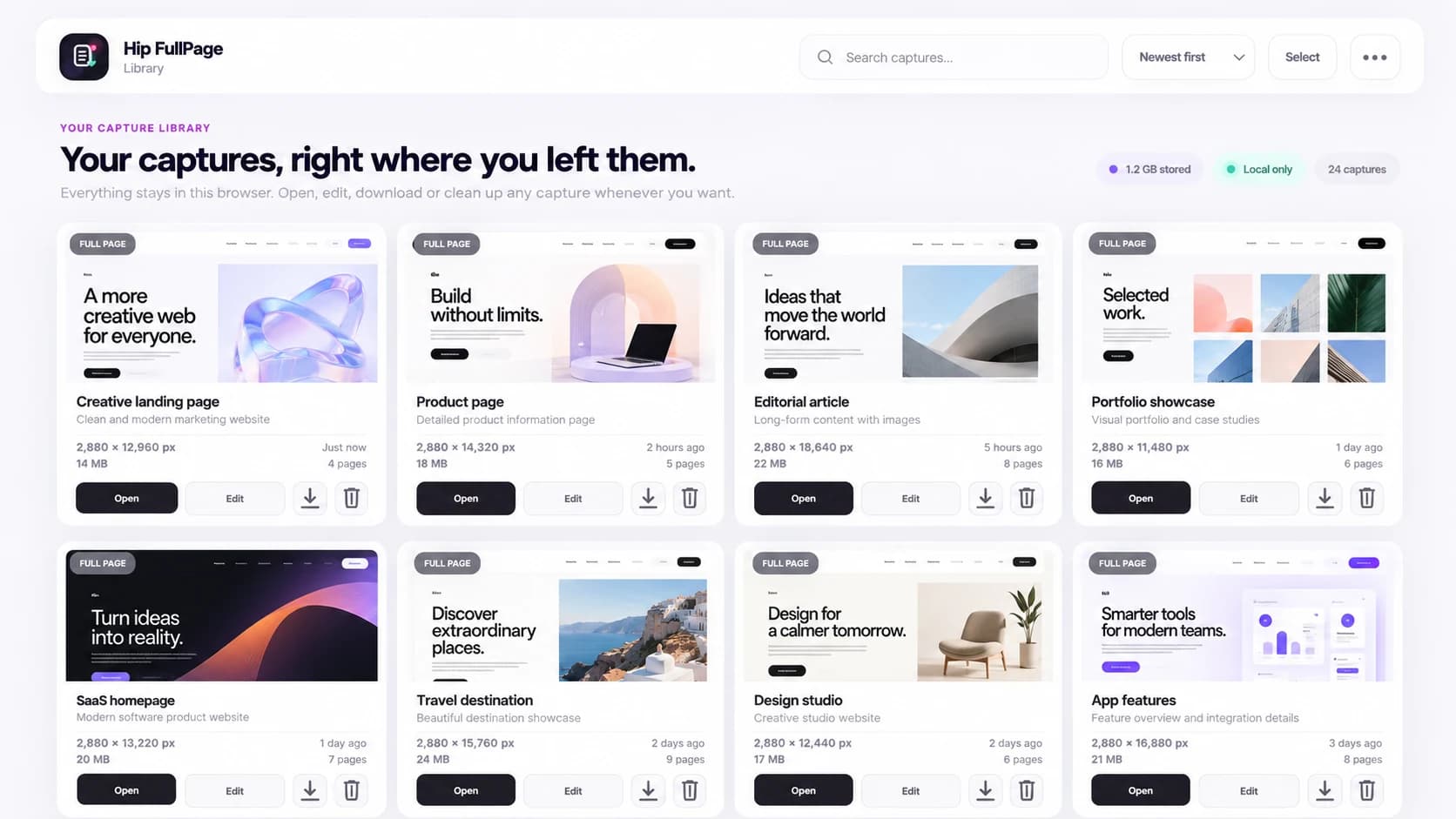
LOCAL D’ABORD
Vos captures
stay with you.
In the current Free release, captures stay local in your browser. No account is required, there is no cloud sync, and screenshots are not automatically uploaded to a remote server.
SETTINGS
Tune it to
your workflow.
Manage capture pace, automatic Preview, file naming, export, PDF, local storage, shortcuts and language from one place.
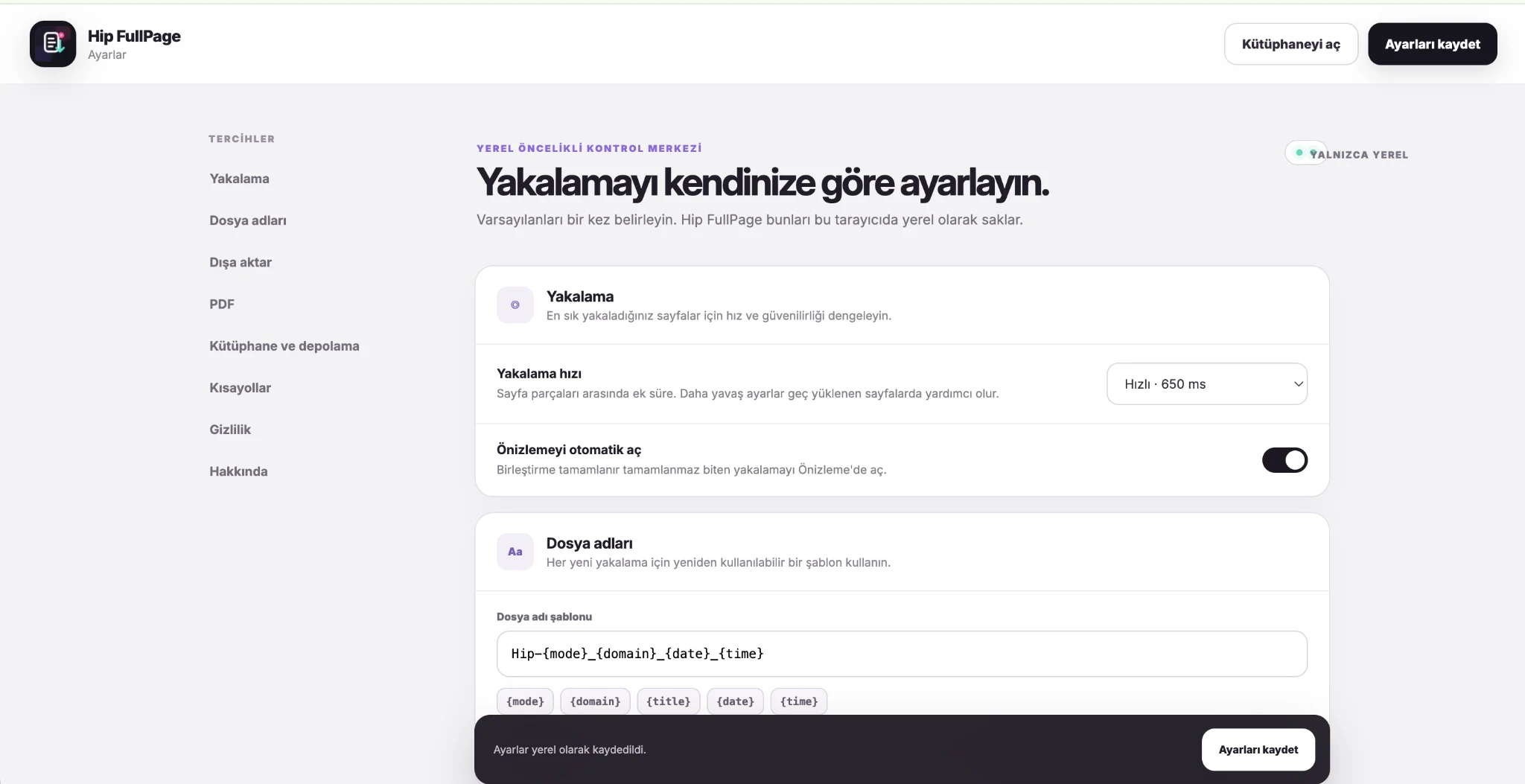
PNG, JPEG, WebP and PDF options.
Build templates with domain, date, time and capture mode.
Reach frequent capture modes from the keyboard.
Control Library limits and automatic cleanup.
HIP FULLPAGE